NewKlyra, the IPA signer by AppTesters
Sign apps right on your iPhone.
The most advanced app signer yet. Built by sideloaders, for sideloaders.
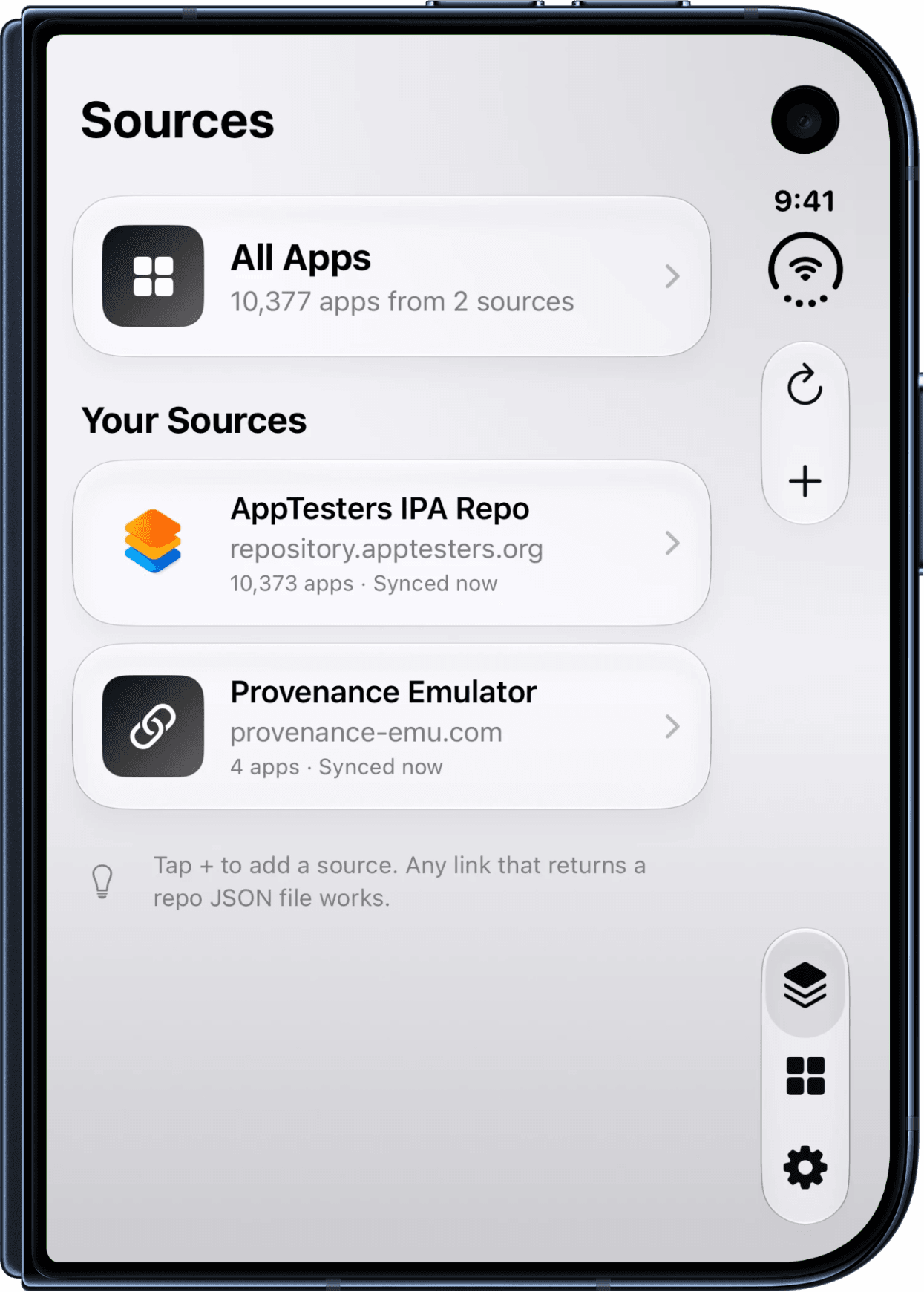
How Klyra works: import an app, sign it, install it
Import
Any app from the AppTesters repo, another source, or Files.
Sign
With your own certificate, right on your iPhone.
Install
Straight to your Home Screen. No computer, no cables.
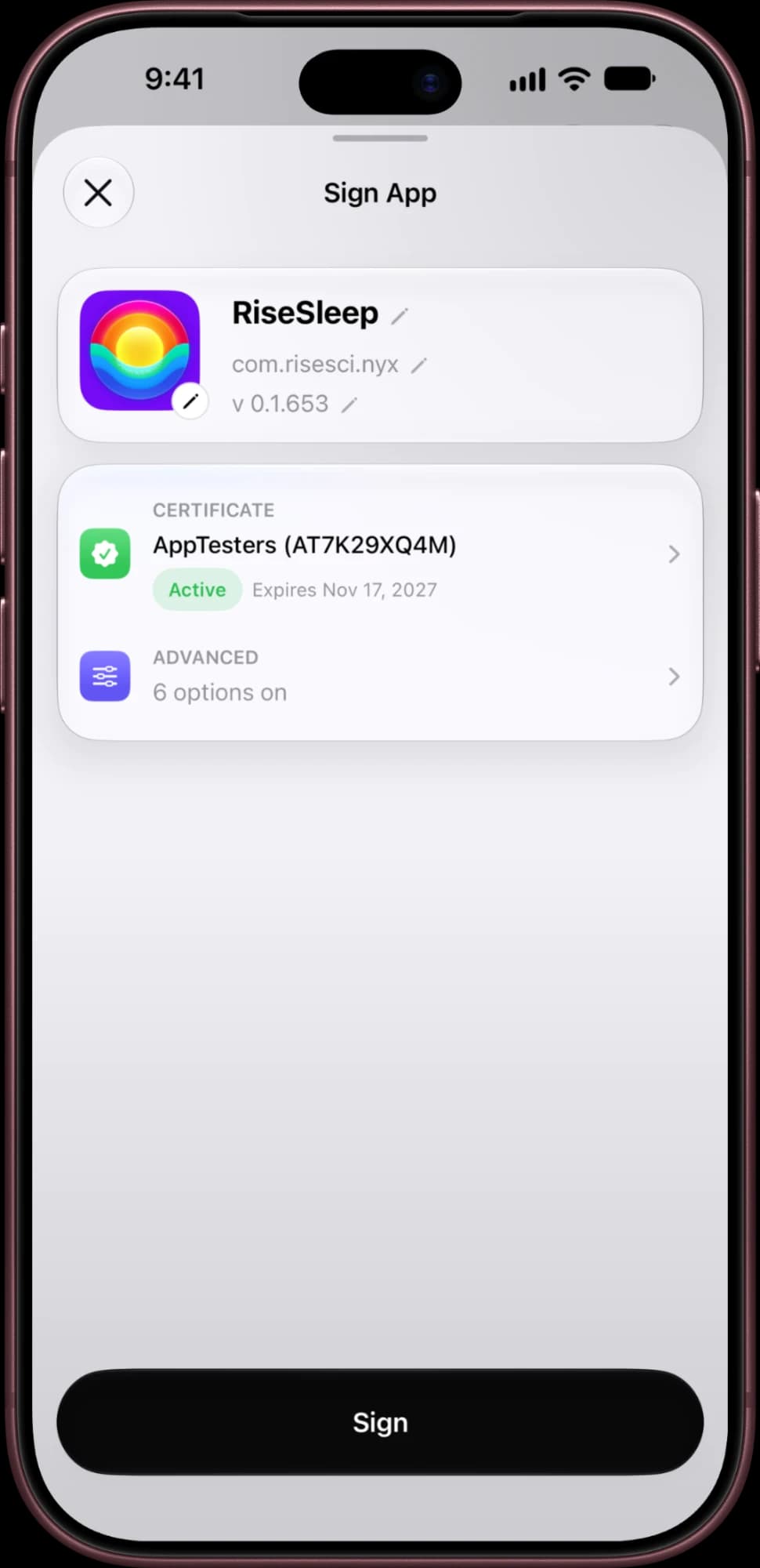
Signing
Your certificate. Your iPhone.
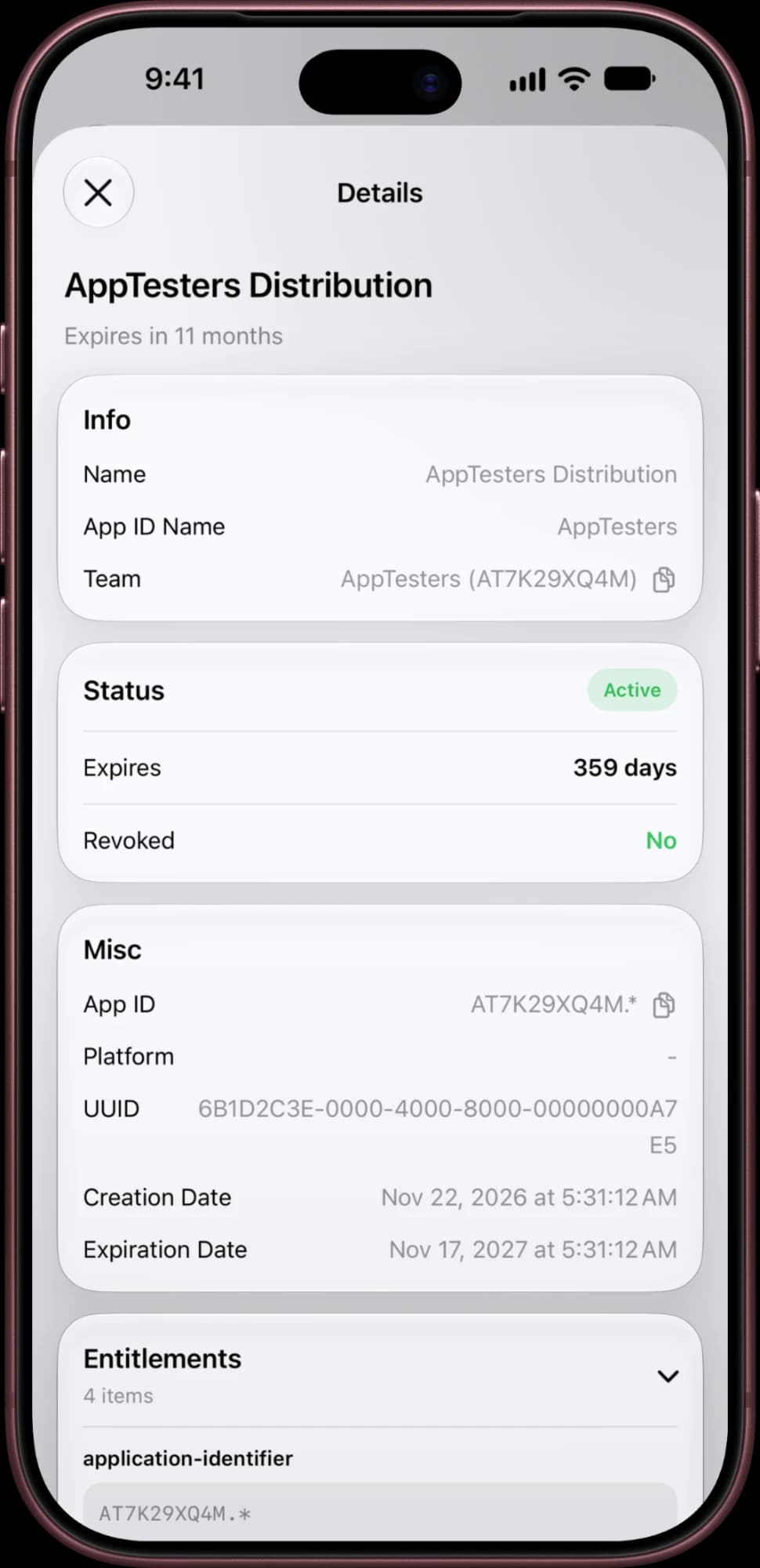
Add your .p12 and .mobileprovision once. Klyra checks they belong together, shows whether your certificate is active, revoked or expired, and signs right on your device. Tap Sign, watch the wave, done.
- No computer, no cables
- Sign All for several apps at once
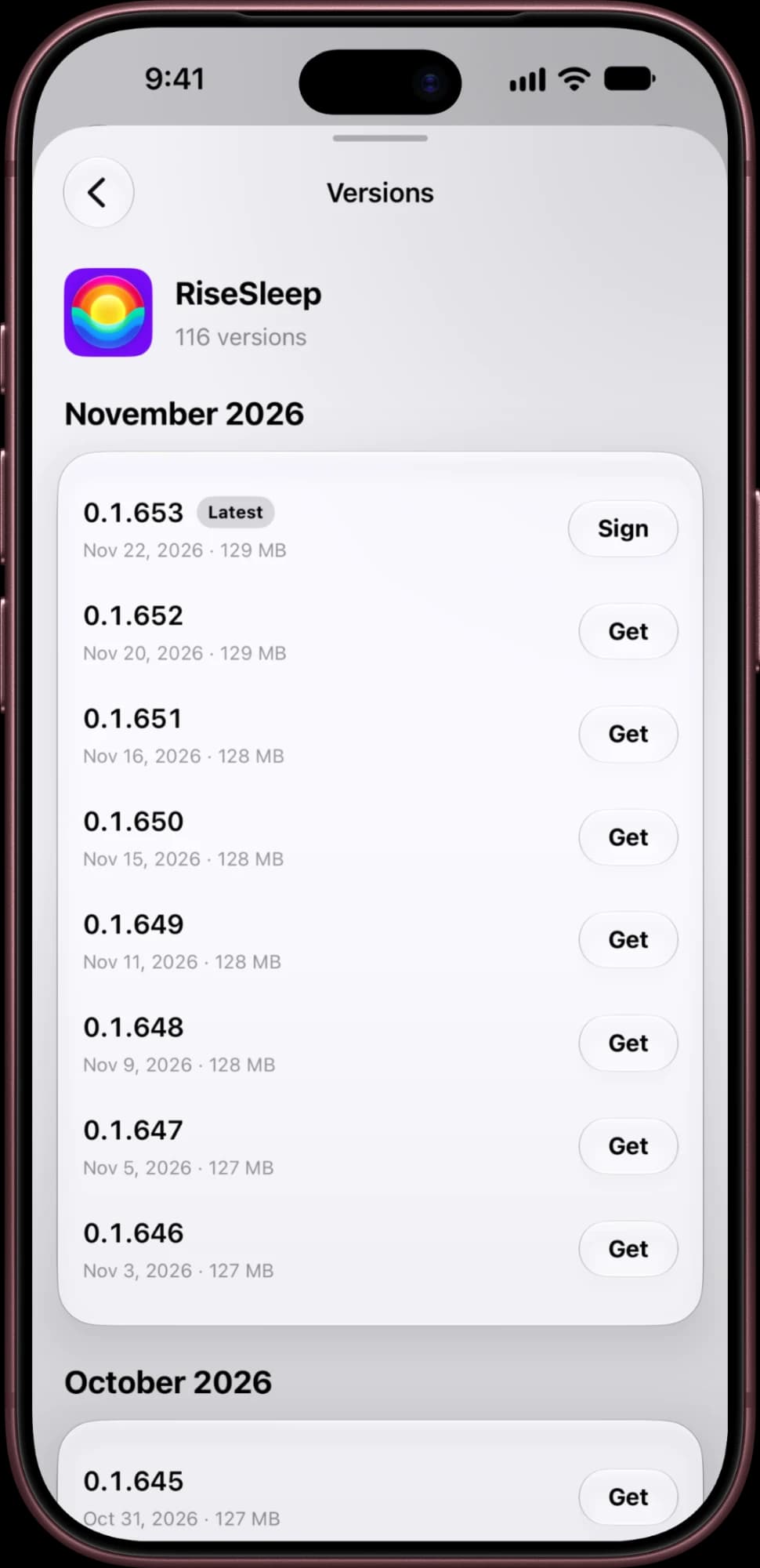
Versions
Every version. One tap away.
Each app keeps its whole history, sorted by month. Liked the old build better? Install it again in a tap.
Everything in one app
Made by sideloaders, for sideloaders.
10,000+ apps, built in
The AppTesters repo is built in. Add any source with a repo JSON link and search them all at once.
Signing options
Try itRename an app, keep a second copy, or let it run at 120 Hz. Flip a switch.
Signing Options
Your look
Try itLight and Dark Mode, plus your own accent and glow colours.
One tap updates
Try itKlyra tells you when an app from the AppTesters repo has a new version. Update, sign and install in one go.
17 languages
Try itKlyra speaks your language. Tap a flag.
Hello
English
Advanced
Make every app yours.
Change what you want before you sign, or leave everything as it is. Tap an option to see what it does.
App details
Change the name, bundle ID, version and icon.
Privacy
Your certificate stays yours.
Klyra signs on your device, and your certificate never leaves it.
On-device signing
Apps are signed on your iPhone, not on a server.
Keychain protection
Your certificate's password lives in the iPhone's Keychain.
No ads, no tracking
No ad or analytics SDKs inside.
Safe unpacking
Damaged or harmful IPA files are refused before they open.
Tamper checks
Changed files aren't signed until Klyra reads them again.
Revocation checks
Klyra asks Apple whether your certificate was revoked.
Get started
Three steps. That's it.
Download Klyra
Free, for iPhone and iPad on iOS 17 or later.
Add your certificate
Your .p12 and .mobileprovision, once, in Settings → Certificates.
No certificate yet?Sign and install
Pick an app, tap Sign, then Install.
Questions
What is Klyra?
Klyra is a free IPA signer app for iPhone and iPad. It signs IPA files with your own certificate and installs them right on your device, with no computer needed.
Is Klyra free?
Yes. Klyra is free, with no ads. Donations keep the app repo and the install server running for everyone.
Do I need a computer?
No. Klyra signs and installs apps right on your iPhone or iPad.
I don't have a certificate. Where do I get one?
AppTesters has you covered: get a certificate.
Can I sign IPA files online instead?
Yes. If you'd rather sign in your browser, use the AppTesters online IPA signer.
Can I install my own IPA files?
Yes. Import them from Files with + in the Library, or open them in Klyra.
Can I add tweaks?
Yes: .dylib files and .deb packages. Klyra adds the ElleKit helper library when a tweak needs it.
Where do I get help?
Three ways: start a right here on our website, email us at [email protected], or join the AppTesters community on Telegram.
Klyra is available now.
Free, with no ads. For iPhone and iPad on iOS 17 or later.
Made by AppTesters Team